How to watch · every headset and phone
How to watch VR porn
Every scene on PirouVR has a free trailer you can watch in VR, straight from your headset's browser - no apps and no settings. Our player knows whether each scene is 180° or 360°, so it's always: press play, then the VR button.
PirouVR · 39,605 VR scenes · free trailers, no account needed
Pick your headset
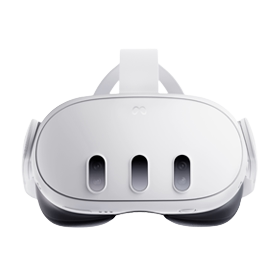
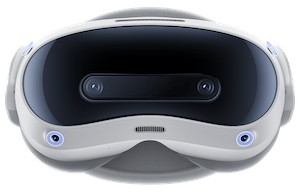

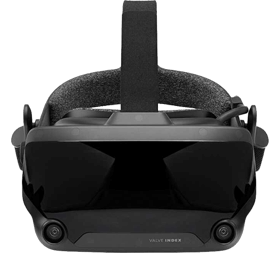

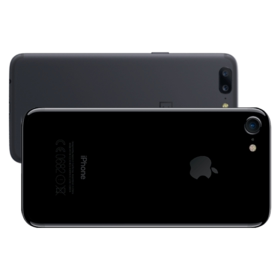
How VR works on PirouVR
VR scenes are filmed with two lenses, one for each eye, and saved as two pictures side by side (or one above the other) on a curved 180° or 360° view. A normal video player shows that as two flat pictures. A VR player bends each one around you and sends one to each eye, which is where the depth comes from.
Our player does that in the browser, and it reads each scene's format from our catalogue (97% of our scenes are 180°, the rest 360°), so you never choose between 180°, 360°, side-by-side or top-bottom. On a headset, press play and then the VR button; on a phone, add a phone VR holder for the 3D effect.
Questions
What do I need to watch VR porn?
A VR headset with a web browser (Meta Quest, PICO, Apple Vision Pro), a PC headset with SteamVR, or a phone in a VR holder. No app is needed for PirouVR.
What's the best headset for VR porn?
For most people a Meta Quest 3: it needs no PC, its browser plays VR video, and its lenses are sharp enough to show the difference in 7K and 8K scenes (32% of our trailers are 7K or 8K).
What's the difference between 180° and 360° VR?
180° covers what's in front of you, with all the resolution in that half - so it looks sharper, and it's what nearly every studio films. 360° wraps all the way round, which spreads the same pixels further.
Are the trailers really free?
Yes. Every trailer plays in full VR without an account. Full scenes are the studio's official releases on SexLikeReal.
Streaming or downloading?
Our trailers stream. For full scenes, downloading suits slow Wi-Fi and the highest qualities, since an 8K file is too big to stream on most home connections.